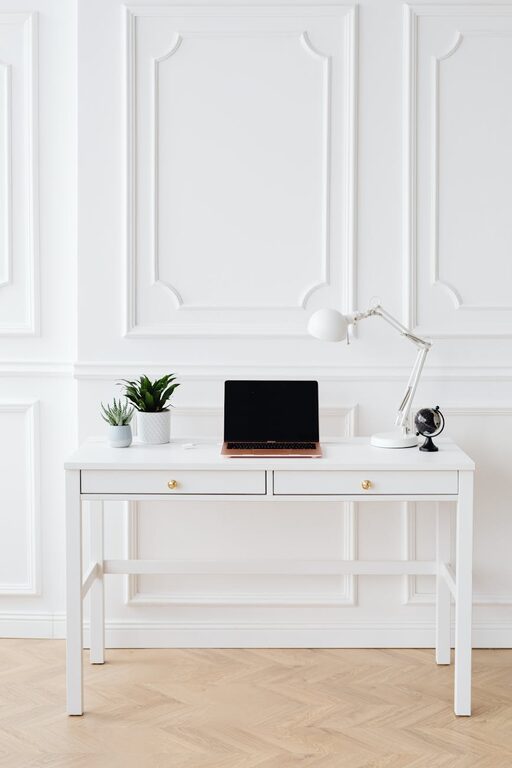
Creating a productive and clutter-free home workspace is essential for maintaining focus and efficiency, especially when working remotely or handling projects at home. A well-organized workspace not only minimizes distractions but also fosters a positive mindset that can improve overall work quality. In this post, we’ll explore practical tips and strategies to help you set up and maintain an effective home office environment.
Why a Clutter-Free Home Workspace Matters
Clutter can lead to unnecessary stress and reduce your ability to concentrate. When your workspace is tidy, everything you need is within reach, allowing you to work more seamlessly. A clean environment also reflects a professional attitude, which is particularly important if you attend virtual meetings from your home office.
—
Choosing the Right Space for Your Home Workspace
Select a Quiet, Dedicated Area
Identify a spot in your home that is quiet and free from heavy foot traffic. It could be a spare room, a corner of the living room, or even part of your bedroom. The key is to carve out a space that signals “work time” to your brain.
Prioritize Natural Light
Whenever possible, pick a location near a window to benefit from natural light. Natural light can boost mood, reduce eye strain, and keep you alert throughout the day.
Ensure Comfortable Seating and Desk Setup
A comfortable chair and desk at the right height can prevent posture problems and physical discomfort. Ergonomic furniture is an investment that pays off through improved comfort and productivity.
—
Declutter and Organize Your Workspace
Keep Only Essential Items on Your Desk
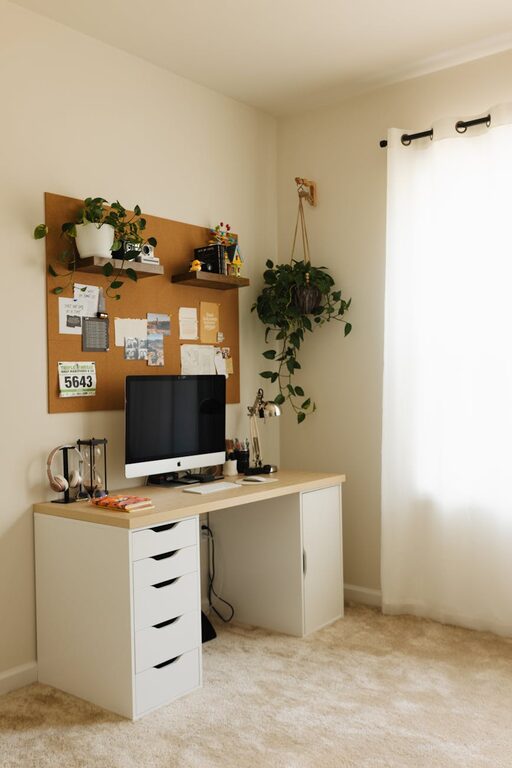
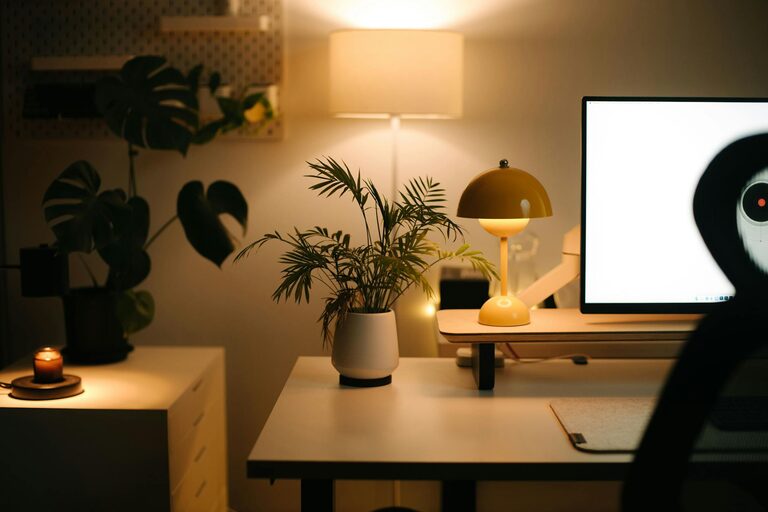
Limit your desktop to the bare necessities: computer, essential stationery, a notepad, and maybe a small plant for a touch of greenery. Removing unnecessary items reduces distractions and opens up physical space.
Use Storage Solutions
– Drawer Organizers: Segregate pens, paperclips, and other small items.
– Shelves and Cabinets: Store books, files, and equipment behind closed doors to keep the area looking tidy.
– Desktop Organizers: Use trays or file holders to keep documents and mail sorted.
Go Digital Where Possible
Reduce paper clutter by scanning important documents and saving them digitally. Organize files in logically named folders on your computer or cloud storage.
—
Establish Routine Clean-Up Practices
End-of-Day Reset
Spend 5-10 minutes at the end of each workday tidying your space. Put away items, discard trash, and prepare your workspace for the next day.
Weekly Deep Clean
Schedule a weekly slot to dust surfaces, clean your equipment, and reorganize any clutter that has built up.
—
Optimize Your Workspace for Productivity
Position Your Screen Properly
Keep your monitor at eye level to reduce neck strain. The screen should be about an arm’s length away.
Minimize Noise and Visual Distractions
If background noise is unavoidable, consider noise-cancelling headphones or white noise machines. Keep walls and surfaces free of excessive decorations that might divert your attention.
Personalize Thoughtfully
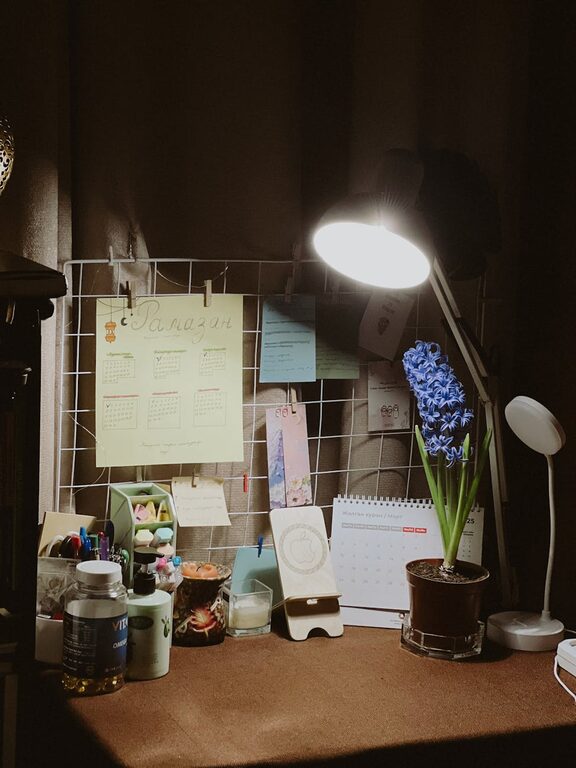
Add a few personal touches like family photos, motivational quotes, or a plant. These can make your workspace inviting without causing clutter.
—
Tips for Managing Work-Life Boundaries
Set Clear Work Hours
Having a defined schedule helps train your mind to switch between work and relaxation modes.
Use Visual Cues
If your workspace is in a shared area, use visual signals such as a closed door or a desk flag to indicate when you should not be disturbed.
Keep Work Materials Separate
When not working, store your work materials out of sight to maintain a sense of separation between professional and personal life.
—
Conclusion
Maintaining a productive and clutter-free home workspace involves thoughtful selection of your working area, organized storage, regular cleaning habits, and mindful design choices. With these tips, you can create an environment that supports focus, reduces stress, and fosters productivity. Start small, be consistent, and tailor your space to suit your unique needs.
Happy organizing and productive working!
About the Author