Creating a home workspace that’s both cozy and productive can significantly improve your work-from-home experience. Whether you’re working remotely full-time or just need a spot for occasional tasks, setting up an environment that supports focus and comfort can make all the difference. Here are some practical tips to help you design a space where you can work efficiently and feel at ease.
Choose the Right Location
Find a Quiet Spot
Select a space away from high-traffic areas of your home. This reduces distractions and noise, helping you stay focused during work hours.
Consider Natural Light
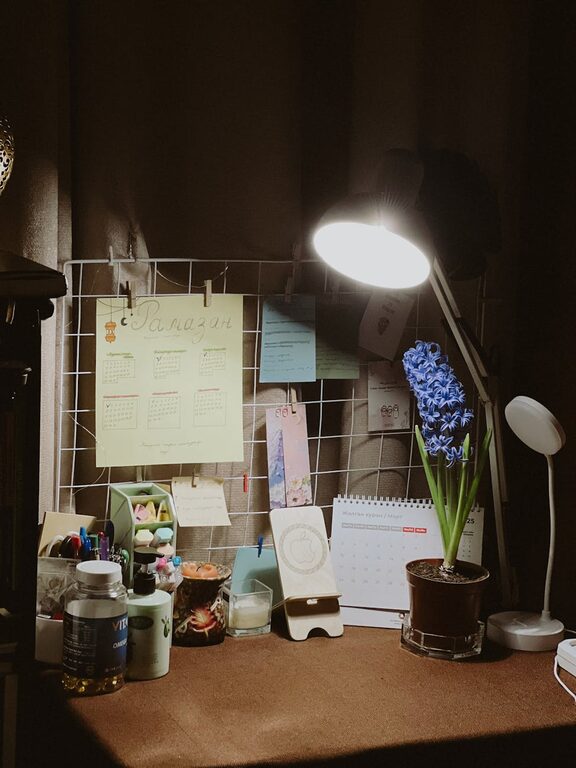
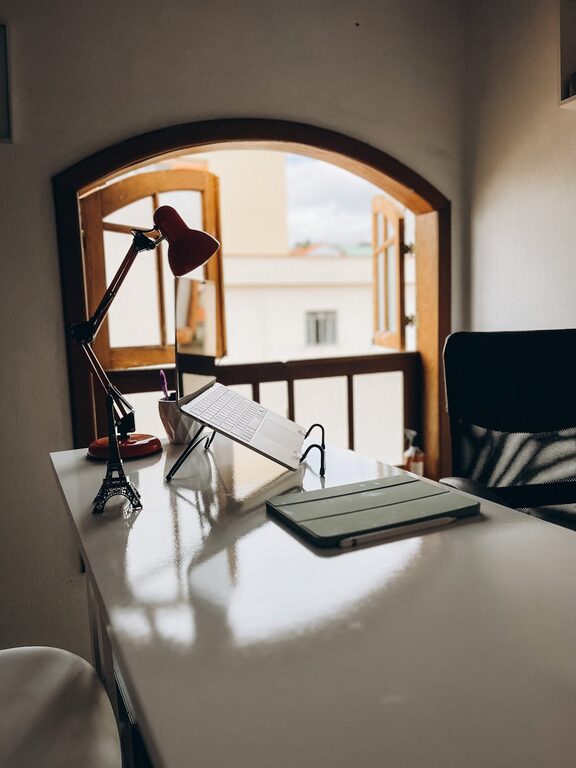
An area near a window is ideal. Natural light not only brightens your workspace but can also boost mood and energy. If natural light is limited, invest in quality lighting that mimics daylight.
Invest in Comfortable Furniture
Ergonomic Chair and Desk
A supportive chair and suitable desk height are essential. Ergonomic furniture helps prevent discomfort, allowing you to work longer without strain.
Personalize Your Setup
Add cushions, footrests, or a standing desk converter if that suits your style. The more comfortable your setup, the more inviting your workspace will be.
Organize for Efficiency
Declutter Regularly
Keep your desk tidy. Only have the essentials within reach to minimize distractions.
Use Storage Solutions
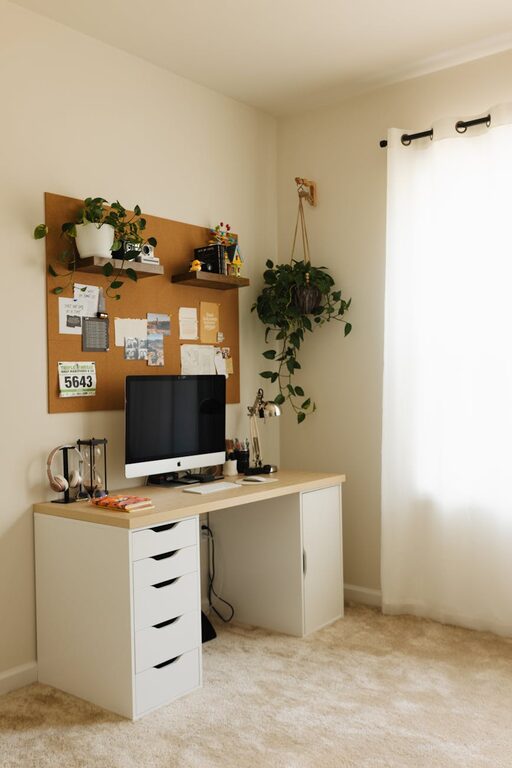
Shelves, drawers, and organizers help keep supplies neat and accessible. Label items if needed to quickly find what you need.
Add Cozy Elements
Soft Textiles
A small throw blanket or cushioned chair cover adds warmth and comfort, especially during colder months.
Plants and Greenery
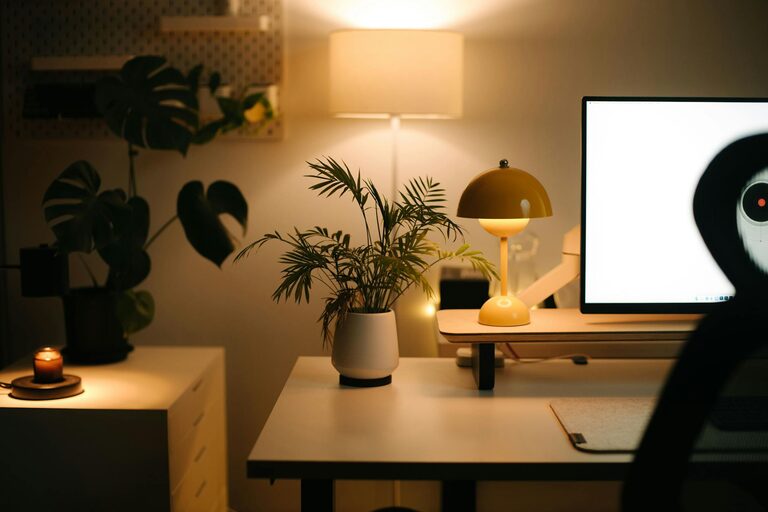
Houseplants improve air quality and create a calming atmosphere. Choose low-maintenance plants like succulents or pothos.
Personal Touches
Incorporate photos, artwork, or decorative items that inspire you. A visually appealing space can boost creativity and motivation.
Manage Technology Wisely
Reliable Equipment
Ensure your computer, internet connection, and other tech tools are dependable to avoid frustration.
Cable Management
Use clips or sleeves to organize cables. A neat workspace looks more inviting and helps maintain focus.
Set Boundaries and Routines
Define Work Hours
Stick to a schedule to separate work from personal time. This helps maintain balance and reduces burnout.
Create a Start-Up Routine
Begin your day with a ritual—like making coffee or reviewing your tasks—to signal the start of work.
Pay Attention to Acoustics
Use Noise-Controling Elements
Rugs, curtains, or acoustic panels can absorb sound, reducing echoes and background noise.
Background Music or White Noise
If it helps you concentrate, play soft music or white noise. Experiment to find what suits you best.
Keep Comfort in Mind
Maintain the Right Temperature
Use fans, heaters, or adjust blinds to regulate room temperature.
Stay Hydrated and Take Breaks
Keep water nearby and step away periodically to prevent fatigue.
—
By focusing on these areas—location, furniture, organization, comfort, technology, routines, acoustics, and overall comfort—you can create a home workspace that supports both productivity and well-being. Remember, the best workspace is one that fits your unique needs and preferences, so don’t hesitate to adjust your setup as you find what works best for you.
About the Author